| .github/workflows | ||
| archetypes | ||
| exampleSite | ||
| images | ||
| layouts | ||
| static | ||
| .gitignore | ||
| config.toml | ||
| LICENSE | ||
| README.md | ||
| theme.toml | ||

risotto
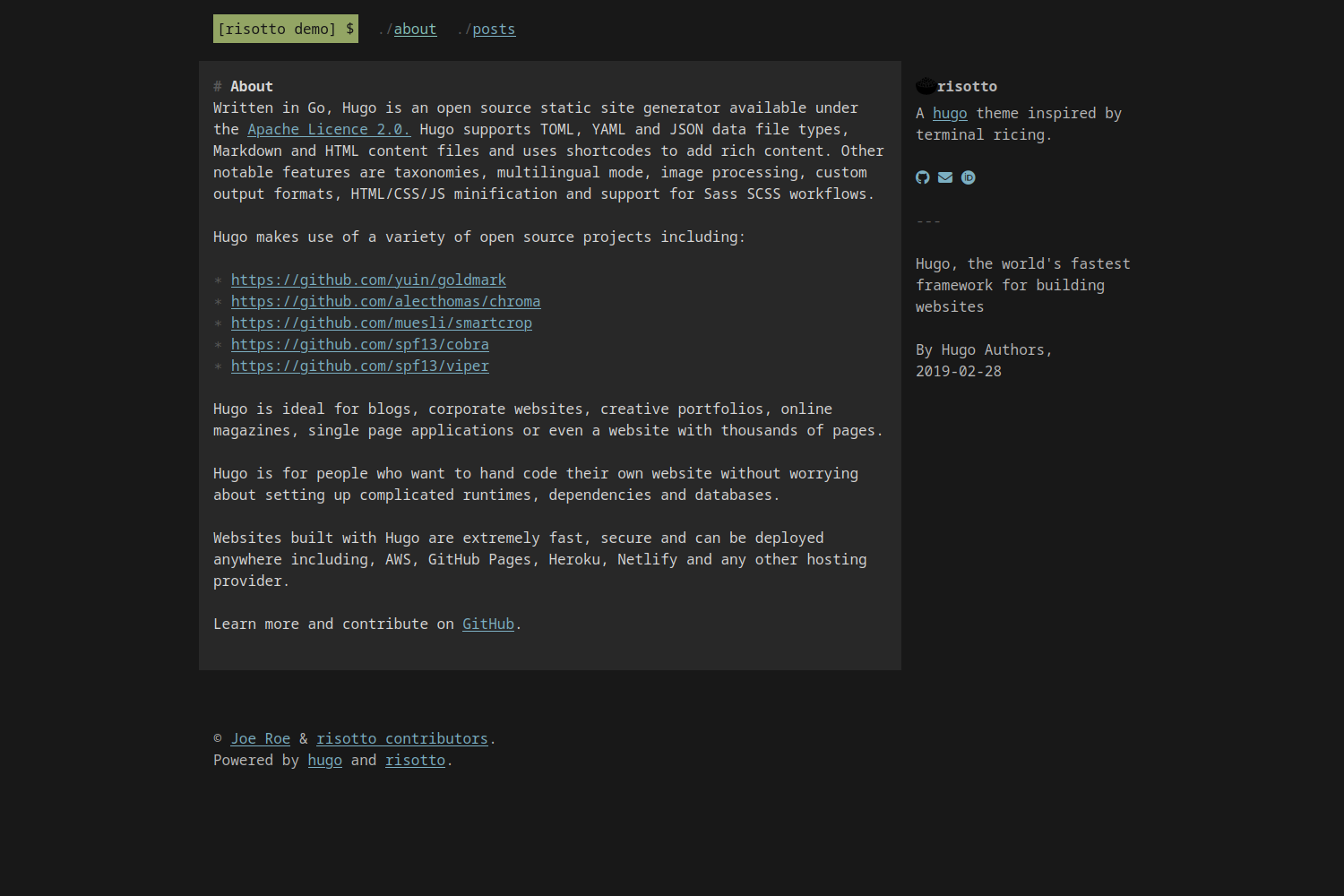
risotto is a minimalist, responsive hugo theme inspired by terminal ricing aesthetics.
Install
The easiest way to install the theme is to clone this repository into your site's themes directory:
git clone https://github.com/joeroe/risotto themes/risotto
If your site is already a git repository, you can add the theme as a submodule instead:
git submodule add https://github.com/joeroe/risotto.git themes/risotto
Update
If you installed the theme using git clone, pull the repository to get the latest version:
cd themes/risotto
git pull
Or, if you added it as a git submodule:
git submodule update --remote
Configure
To use the theme, add theme = risotto to your site's config.toml or config.yaml.
See exampleSite/config.toml for the theme-specific parameters you need to add to your site's config.toml or config.yaml to configure the theme.
Colour palettes
Colour palettes for the theme are defined using the base16 system:
| Base | Default colour | Used for | Examples |
|---|---|---|---|
| 00 | Dark | Background | Page background |
| 01 | │ | Alt. background | Content background |
| 02 | │ | In-text backgrounds | <pre>, <code>, <kbd>, <samp> |
| 03 | │ | Muted text | :before & :marker symbols |
| 04 | │ | Alt. foreground | Aside text |
| 05 | │ | Foreground | Content text |
| 06 | │ | ||
| 07 | Light | ||
| 08 | Red | ||
| 09 | Orange | ||
| 0A | Yellow | Highlights | Selected text, <mark> |
| 0B | Green | Primary accent | Logo |
| 0C | Cyan | Active links | a:active, a:hover |
| 0D | Blue | Links | a:link, a:visited |
| 0E | Magenta | ||
| 0F | Brown |
For light mode palettes, the sequence of 00–07 should be reversed (light to dark, not dark to light).